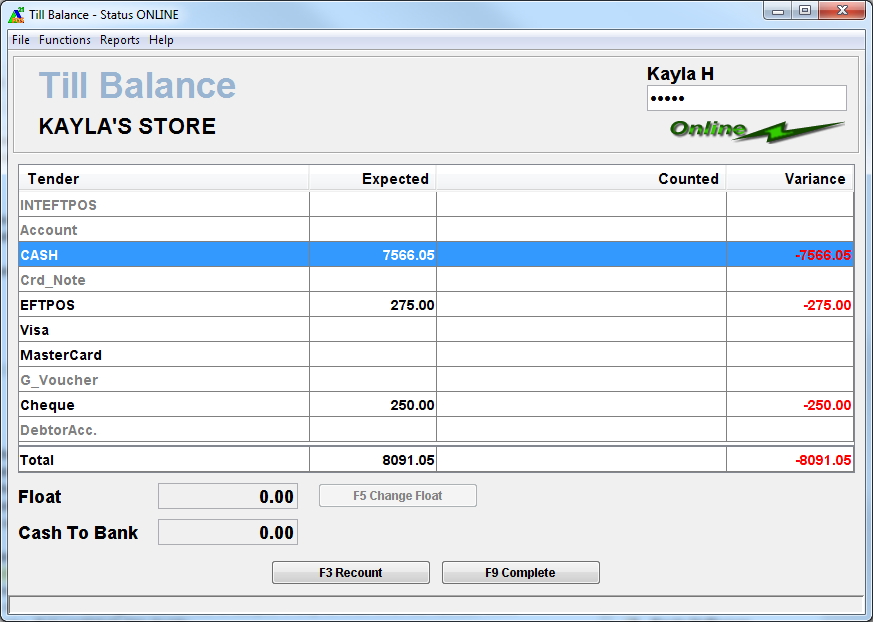
At the end of each day, a necessary store function is to balance the till. This entails comparing all transactions entered for the day against the cash in the till. Some sites may also require a Start of Day Till Balance - the procedure is the same except the Start of Day Till Balance only requires the float to be counted, no cash is taken to Bank and the screen and report display 'Start of Day'.
As part of this procedure, the amounts that are to be counted for the day is entered on the screen. The new till float is defaulted on the screen as set at back office. The banked amount is calculated based on the amount counted for cash payment less float. For each payment method that appears under the Other Tenders field must be entered accordingly.
A Bank Bag Number can be captured for cash and cheque tenders being banked provided the feature is switched on at head office. This is switched of by default.
A summary of the Till Balance information entered is sent to Head Office. Any till variance will also be sent to Head Office for each payment type that has a variance.
The system can be set up to display or hide the amount calculated for each payment method. If the expected amount is hidden, any variance is shown to the user only when the procedure is completed.